How to E-Sign Divorce Papers in Utah: What to Do Next
Written and reviewed by the divvi team. How we research and check this.

Yes, you can legally e-sign divorce papers in Utah. Utah Code §46-4-201 states that a record or signature cannot be denied legal effect solely because it is in electronic form, which means your electronic signature carries the same weight as a handwritten one under state law. The practical catch: Utah courts and individual clerks still set their own procedural rules, so acceptance depends on the document type and your local district.
Your two immediate next steps:
- Verify your district court's e-filing and e-signature rules with the clerk before you submit anything.
- Confirm whether any of your documents require notarization or a wet-ink signature, since those are the most common exceptions.
Utah's primary tools for this process are MyPaperwork (form generation), MyCourtCase (case portal), and platforms like Divvi that generate documents designed for filing and walk you through the filing steps.
Pro Tip: Don't assume that because UETA covers your signature, the clerk will automatically accept it. One phone call to your district court clerk before filing can save you a rejected submission and a second trip.
Key Takeaways
Utah law recognizes electronic signatures under UETA, but court acceptance depends on document type, local clerk rules, and whether your audit trail meets procedural requirements.
| Point | Details |
|---|---|
| UETA legal foundation | Utah Code §46-4-201 protects e-signatures from being denied legal effect solely because they are electronic. |
| Court rules still apply | UETA does not override clerk or court procedural requirements; confirm local e-filing policy before submitting. |
| Serve within 120 days | Utah Courts require service on the other party within 120 days of filing the petition. |
| 30-day waiting period | The final decree cannot be signed until 30 days after the petition is filed; track this date yourself. |
| Divvi simplifies the process | Free wizard generates PDFs designed for filing, with a step-by-step self-filing guide; paid mediation is available if you disagree. |
Table of Contents
- What Utah law actually says about electronic signatures
- Which divorce forms Utah courts typically accept electronically
- Step-by-step checklist to e-sign and file Utah divorce papers
- How e-filing, MyPaperwork, and manual filing actually differ
- When notarization still requires a physical notary in Utah
- Why courts sometimes reject e-signed documents and how to prevent it
- What to do when the other party won't sign
- How Divvi supports e-signing and filing for Utah divorces
- Why an integrated platform changes the e-sign experience
- Divvi makes Utah divorce paperwork straightforward
- Sources
What Utah law actually says about electronic signatures
Utah Code §46-4-201 is the core provision: no electronic record or signature can be denied legal effect or enforceability just because it exists in digital form. That is a strong baseline protection.
But the statute has a meaningful limit. Utah Code §46-4-105 clarifies that UETA applies only when the parties have agreed to conduct transactions electronically, and whether that agreement exists is determined from context and conduct, not just a written consent form.
What this means for divorce filings:
- If both spouses are using an online platform and signing digitally, the conduct itself signals agreement.
- If one party insists on paper, the other cannot force electronic-only processing.
- Courts retain procedural authority independent of UETA. The statute does not override a judge's or clerk's filing requirements.
Legal forums and Q&A resources consistently note that courts often accept e-signed documents for e-filing but that acceptance varies by court and document type. UETA gives you a legal foundation; local rules determine whether you can actually use it.
Pro Tip: Read your district court's local rules online before you prepare any documents. Most Utah district courts post their e-filing policies on the Utah Courts website.
Which divorce forms Utah courts typically accept electronically
Most standard divorce documents can be e-signed and submitted as PDFs. The Utah Courts divorce page specifies that filed documents must be in English, complete, and submitted in black-and-white PDF format.
Documents that generally work with e-signatures:
- Petition for Divorce
- Summons
- Stipulated Settlement Agreement
- Financial Declaration
- Parenting Plan (in uncontested cases)
- Acceptance of Service form
Common exceptions where courts may require a wet-ink signature or notarization:
- Affidavits that the court requires to be sworn before a notary
- Certain pro se forms where the clerk's office prefers original signatures
- Documents tied to property transfers (deeds, QDRO forms) that third parties like title companies or plan administrators require in wet-ink
File format matters as much as the signature itself. Submit a single, complete PDF per document unless your county clerk specifies otherwise. Incomplete forms or color-scanned documents with illegible text are among the fastest routes to rejection.
Pro Tip: When in doubt, print the document, sign with wet ink, scan it to a black-and-white PDF, and submit that. A clean scanned signature is universally accepted; a digital signature is sometimes questioned.
Step-by-step checklist to e-sign and file Utah divorce papers
Follow these steps in order. Skipping the audit-trail step is the single most common reason e-signed documents get rejected.
Prepare your forms. Use MyPaperwork or Divvi's step-by-step wizard to generate documents designed for filing. Both produce forms matched to Utah court requirements. For a full walkthrough of the uncontested process, see Divvi's guide on how to file an uncontested divorce in Utah.
Choose an e-signature platform. DocuSign and Adobe Sign are the two most widely used options. Both generate a tamper-evident audit trail that includes timestamps, IP addresses, and signer authentication details. That audit report is what you will attach or present if a clerk questions the signature's validity.
Verify signer identity. Use the platform's identity-verification feature (email authentication at minimum; SMS or knowledge-based authentication for higher-stakes documents). The audit trail must show who signed, when, and from where.
Download in the correct format. Export the signed document as a PDF. Confirm it is black-and-white, fully legible, and complete before you submit.
Save the audit trail. Download and store the full audit report separately from the signed PDF. You may need to provide it to the clerk or attach it to your filing.
Serve the other party. The Utah Courts divorce page requires service within 120 days of filing. Use personal delivery or a signature-required courier. If your spouse cooperates, have them sign an Acceptance of Service form instead.
File your documents. Submit to the court in person, by email to the clerk (check the subject-line format your county requires), or by mail with delivery confirmation. MyPaperwork generates your forms but does not file them for you.
Complete the Proof of Service. File the Proof of Completed Service form (1020FA) with the court after service is confirmed.
What to save permanently: the signed PDF, the e-signature audit report, the Acceptance of Service or 1020FA, and any email confirmations from the clerk.
How e-filing, MyPaperwork, and manual filing actually differ
Choosing how to prepare and sign your documents? Compare MyPaperwork Utah and divvi for a side-by-side look at shared review, e-signatures and filing guidance. Generating or signing a document does not file it with the court.
These three things are not the same, and confusing them is where most pro se filers lose time.
MyPaperwork is a document generator. It walks you through the questions, produces forms designed for filing, and sends a confirmation email when your documents are ready to download. After that, filing is your responsibility. Online case initiation is not available for divorce matters through MyPaperwork, so you cannot click "submit" and consider it filed.
MyCourtCase is the Utah case portal where you can view case status and, in some counties, e-file certain documents. E-filing availability for divorce matters varies by county. Some clerks accept PDF submissions by email; others require in-person delivery for the initial petition.
Your filing options:
- In-person delivery to the clerk's office (always accepted)
- Email to the clerk with the correct subject line format (check your county's policy)
- Mail with signature-required delivery for proof of receipt
LegalClarity notes that filing fees in some Utah counties run around $350 for the initial petition. Once filed, the mandatory 30-day waiting period begins on the date the clerk stamps your petition. The court will not notify you when those 30 days are up. Track the date yourself and contact the court to schedule the final decree once the period has passed.
Pro Tip: Ask the clerk at filing whether they prefer a single merged PDF or separate documents. County preferences vary, and submitting the wrong format can delay processing by days.
When notarization still requires a physical notary in Utah
Utah law does permit electronic notarization under certain conditions, and a notary public can electronically sign documents in some circumstances. However, not every court accepts e-notarized documents for divorce filings.
Situations where you may still need a physical notary:
- Affidavits submitted to the court that the clerk's office requires to be traditionally notarized
- Financial declarations in contested cases where the opposing party or their attorney demands wet-ink notarization
- Property-related documents (deeds, title transfers) that third-party institutions will not accept with e-notarization
Canyon Creek Legal's analysis of Utah's e-signature rules confirms that while e-notary is legally available, practical acceptance depends on the receiving institution's own policies.
Your options when notarization is required:
- In-person notary at a bank, UPS Store, or courthouse
- Remote online notarization (RON) services where the court explicitly accepts them
- Ask the clerk whether a clerk-certified alternative is available for your specific document
Pro Tip: Before scheduling a remote online notarization, email your district court clerk and ask directly: "Will you accept a remotely notarized [document name] for this filing?" Get the answer in writing.
Why courts sometimes reject e-signed documents and how to prevent it
Rejection usually comes down to one of five problems, all of which are preventable.
Common rejection reasons:
- Missing or incomplete audit trail (no timestamps, no signer authentication record)
- Wrong file format (color PDF, multiple separate files when one merged file is required, or a scanned image that is not text-searchable)
- Incomplete form fields (blank required sections, missing case numbers, or unsigned signature blocks)
- Required notarization absent or not accepted in electronic form by that court
- Service errors (no Proof of Service filed, or service completed after the 120-day deadline)
Prevention steps tied to each:
- Always download the full audit report from DocuSign or Adobe Sign and attach it or keep it ready.
- Export as a black-and-white PDF, confirm all fields are filled, and check the file size is under any county limit.
- Call the clerk before filing if you are using e-notarization or an unusual signature method.
- File the 1020FA Proof of Completed Service form promptly after service is confirmed.
If anything about your filing is non-standard, a five-minute call to the clerk's office before you submit is worth it. Clerks are generally helpful to pro se filers who ask in advance.
Pro Tip: Run through the court's own filing checklist (available on the Utah Courts website) against your documents the day before you file. Clerks see the same errors repeatedly; the checklist exists because those errors are common.
What to do when the other party won't sign
If your spouse refuses to e-sign or sign at all, you still have a clear procedural path.
Serve them formally. Use personal delivery by a process server or a signature-required courier. Per Utah Courts guidance, you must complete service within 120 days of filing the petition.
File the Proof of Completed Service (1020FA). Once served, file this form with the court to establish the service date on the record.
Wait for their response. After service, the other party has a set period to respond. If they do not respond, you can request a default judgment.
Request default. File a Request for Default with the court showing that service was completed and the response deadline has passed. The court can then proceed without the other party's participation.
Attend the default hearing. A judge will review your documents and, if everything is in order, sign the final decree. The 30-day waiting period still applies from the original filing date.
For contested cases or situations where the other party is actively uncooperative, consult an attorney or use Divvi's contested divorce support services to understand your options before the situation escalates.
How Divvi supports e-signing and filing for Utah divorces
Divvi's platform maps directly to the checklist above. The free wizard generates PDF documents designed for filing formatted to Utah court specifications, which eliminates the most common form-error rejections before they happen. Templates built to Utah court specifications mean the document structure itself has been checked against current Utah requirements.
Where Divvi fits in the process:
- Form generation: The step-by-step wizard produces complete, correctly formatted documents for uncontested and contested cases.
- E-sign compatibility: Documents are formatted for e-signature collection through standard platforms, with guidance on preserving the audit trail.
- Filing instructions: Divvi provides county-specific filing guidance so you know whether to file in person, by email, or by mail.
- Proof of service: The platform walks you through the service requirements and which forms to file with the court.
Uncontested divorce is free: the wizard, the documents, e-signature, and a step-by-step guide to filing them yourself. If you and your spouse disagree on custody or asset division, divvi Mediate ($3,000) gives you a neutral mediator for as long as it takes to finish, and divvi Mediate Pro ($5,000) adds divviFile filing assistance, all without the cost of full legal representation.
Pro Tip: Use Divvi's free wizard to generate your forms first, then confirm with your clerk that the output format meets their requirements. Most Utah clerks will tell you on the spot whether the PDF is acceptable.
Why an integrated platform changes the e-sign experience
The part most guides skip: generating a document and successfully filing it are two entirely separate problems. A form that looks complete can still be rejected because the e-signature lacks an audit trail, the PDF is the wrong color setting, or the service documentation is missing. Each of those is a separate step with its own failure mode.
What an integrated platform like Divvi does is collapse those failure points into a single guided workflow. You are not stitching together MyPaperwork, a separate e-sign tool, a PDF converter, and a service checklist from four different sources. The audit trail, the format, and the filing instructions are built into the same process.
That said, no platform removes the need to confirm local clerk rules. Utah has 29 district courts, and their e-filing policies are not uniform. Even with documents designed for filing in hand, one call to your clerk before submission is the step that actually prevents rejection.
Divvi makes Utah divorce paperwork straightforward
Divorce paperwork in Utah has real procedural complexity: UETA gives you the legal right to e-sign, but courts still set their own rules, notarization requirements vary by document, and MyPaperwork generates forms without filing them for you.
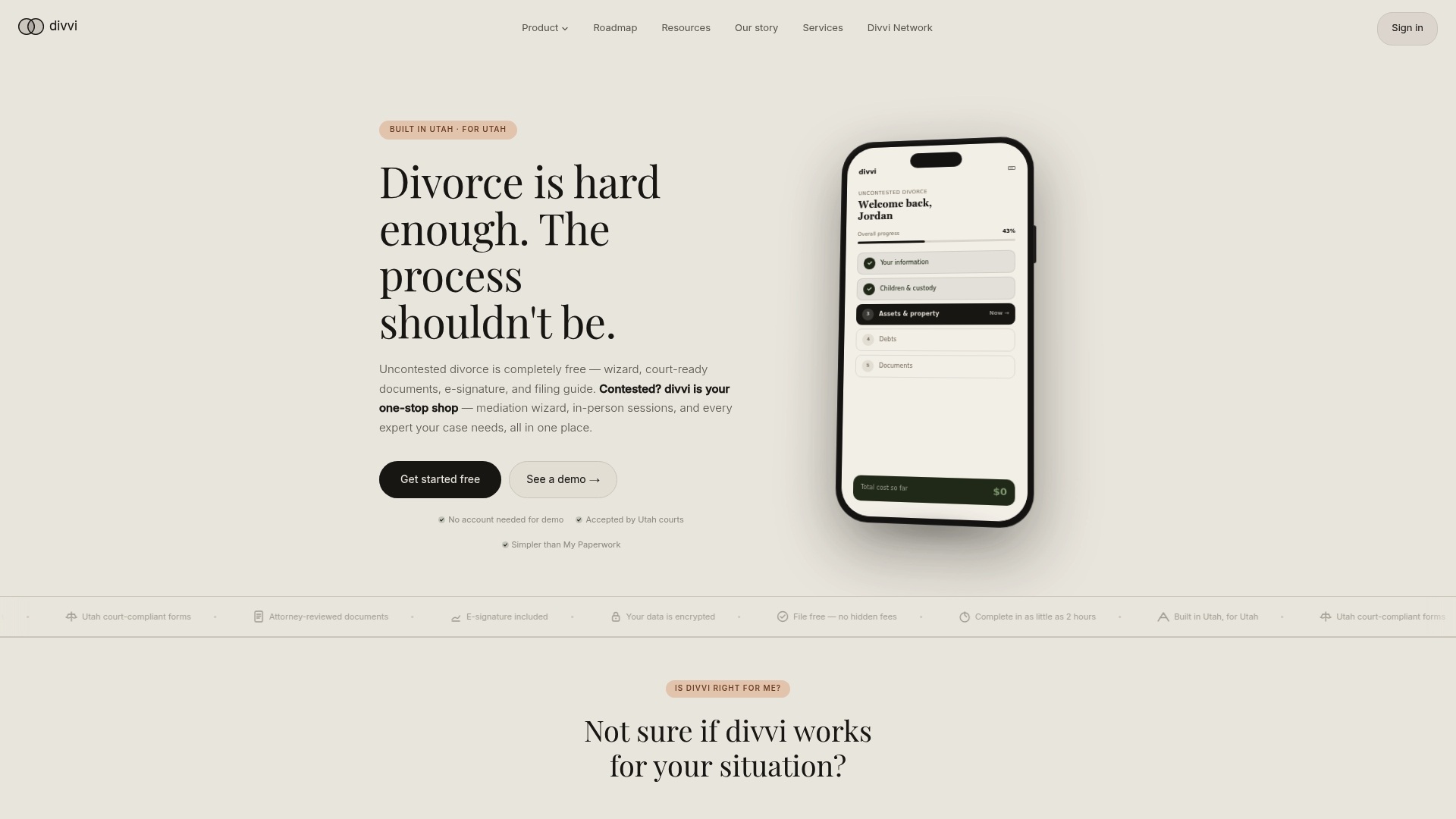
Divvi handles the parts that trip people up. The free document wizard produces PDFs designed for filing formatted to Utah specifications. A step-by-step filing guide walks you through county-specific submission rules. If you and your spouse disagree, divvi Mediate gives you a neutral mediator, and divvi Mediate Pro adds divviFile, which provides hands-on filing assistance.
Start with the free divorce wizard to generate your documents, then decide which services your case actually needs. The free filing guide shows you exactly what to send and where. If your case goes through divvi Mediate Pro, divviFile is included: your initial filings go to the court through your case manager, and you send the final pleadings yourself.
Sources
- 2024 Utah Code Title 46 - Uniform Electronic Transactions Act - Section 201 - Legal recognition of electronic records, electronic signatures, and electronic contracts.
- MyPaperwork — Utah Courts self-help guidance
- Divorce — Utah Courts self-help
- Online Divorce in Utah: Requirements and Filing Steps - LegalClarity
For county-specific e-filing policies and notarization requirements, contact your local district court clerk directly. Policies are not uniform across Utah's 29 districts, and the clerk's office is the authoritative source for what your specific court will accept.
This article provides general legal information, not legal advice. Confirm current rules with your district court clerk or a licensed Utah attorney before filing.
This article is general information, not a substitute for advice from a qualified lawyer. Consult a qualified legal professional about your own circumstances before acting on anything here.